Inventory, organize, find.
Working in a shop with tools all over the place? You remember where the hammer is — but anyone trying to help you won't. KontexVoX lists, describes, and finds every item by speaking.
First use: the full inventory
Whether you're a homeowner with a garage, a workshop, a barn — or a pro with stock and gear: do the inventory by speaking. Capture Mode, photo by photo, you describe what you see. Far faster than a spreadsheet.
And with those enriched photos, you can ask an AI agent to build you a working spreadsheet. The prompts are on the blog.
Why inventory matters
For accounting, tax audits, insurance — or simply to stop wasting time wondering "where did I put that": an up-to-date inventory is peace of mind.
Who it's for
And why not you?
How it works
Capture Mode
Photo + live voice, one photo at a time. On site, at the moment of capture.
The metadata
The EXIF holds each item's description, the timestamp, and more (location if you allowed it — optional).
Share
AirDrop or the Files app to preserve metadata. See our sharing guide.
The result: a working spreadsheet
Once your photos are enriched with KontexVoX, send them to an AI agent (Claude Code, Codex, Gemini) with the right prompt. The AI reads each photo's EXIF metadata and generates a complete spreadsheet.
Here's what that looks like:
| # | Item | Description | Storage area | Date | Photo |
|---|---|---|---|---|---|
| 1 | Bosch drill | 18V hammer drill, 2 batteries, charger, case | Workbench — Drawer 1 | 08/07/2026 | View |
| 2 | PH2 Phillips screwdriver | PH2 screwdriver, ergonomic handle, like new | Workbench — Drawer 2 | 08/07/2026 | View |
| 3 | 24mm adjustable wrench | Adjustable wrench, 24mm max opening, Facom brand | Wall panel — Row 3 | 08/07/2026 | View |
| 4 | 500g hammer | Carpenter's hammer, wooden handle, 500g | Workbench — Drawer 3 | 08/07/2026 | View |
| 5 | 1/4" socket set | 14-piece 1/4" socket set, 4 to 13mm, plastic case | Shelf — Slot B2 | 08/07/2026 | View |
| 6 | SKIL jigsaw | 720W jigsaw, 3 spare blades, original case | Shelf — Slot A1 | 08/07/2026 | View |
Mock spreadsheet, generated by an AI agent from the enriched photos. Each row links back to the original photo.
And when you're looking for a tool?
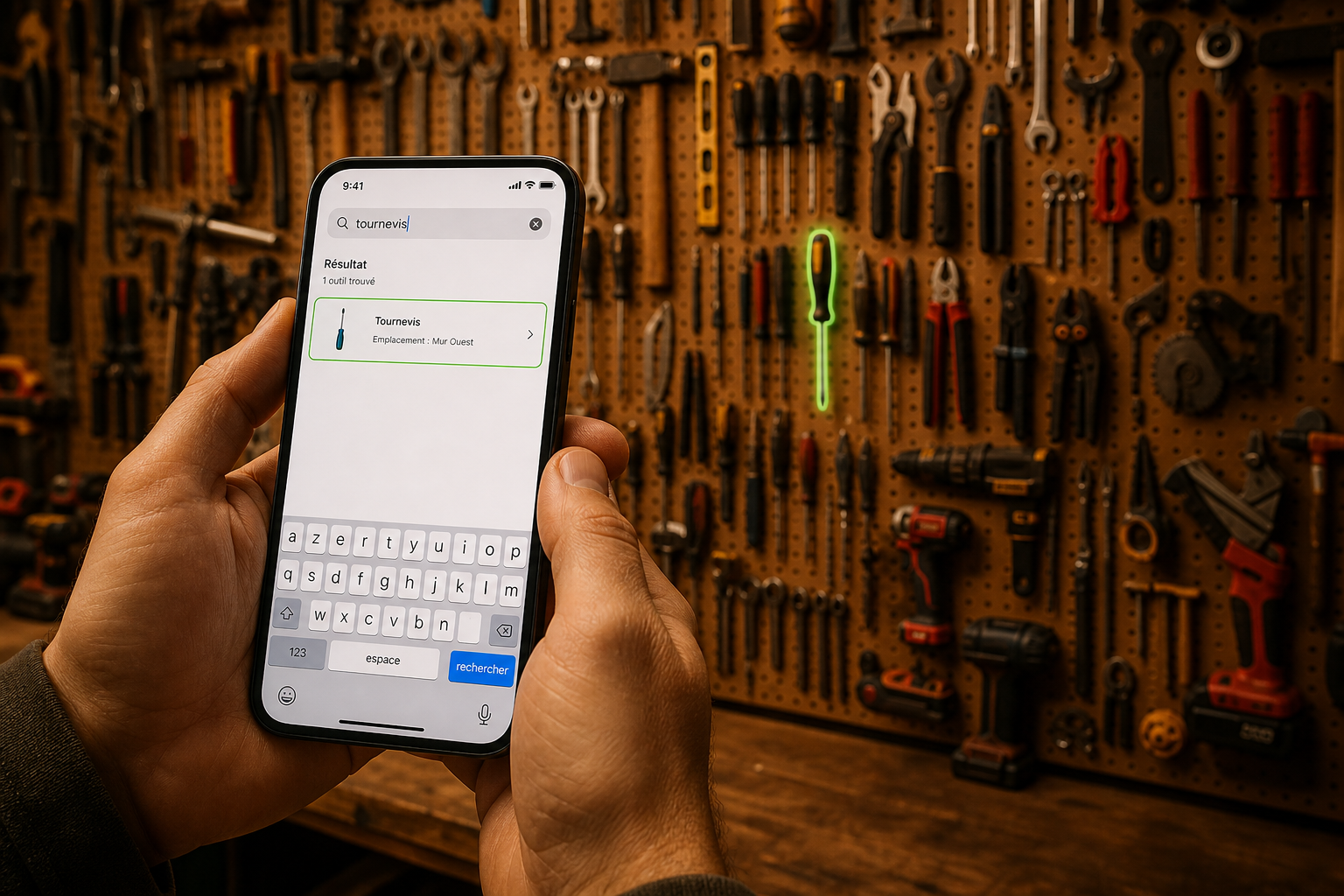
Type "screwdriver" in your spreadsheet's search bar, or right in the Photos app. The tool comes up with its storage zone. You know exactly where it is: workbench, drawer 2.