
What you didn't note on site doesn't exist.
KontexVoX makes that unlikely. You photograph, you describe out loud: the description is transcribed on the spot and engraved into the photo. Inventory, inspection, site punch list — the raw material of the file, taken the moment you have it in front of you.
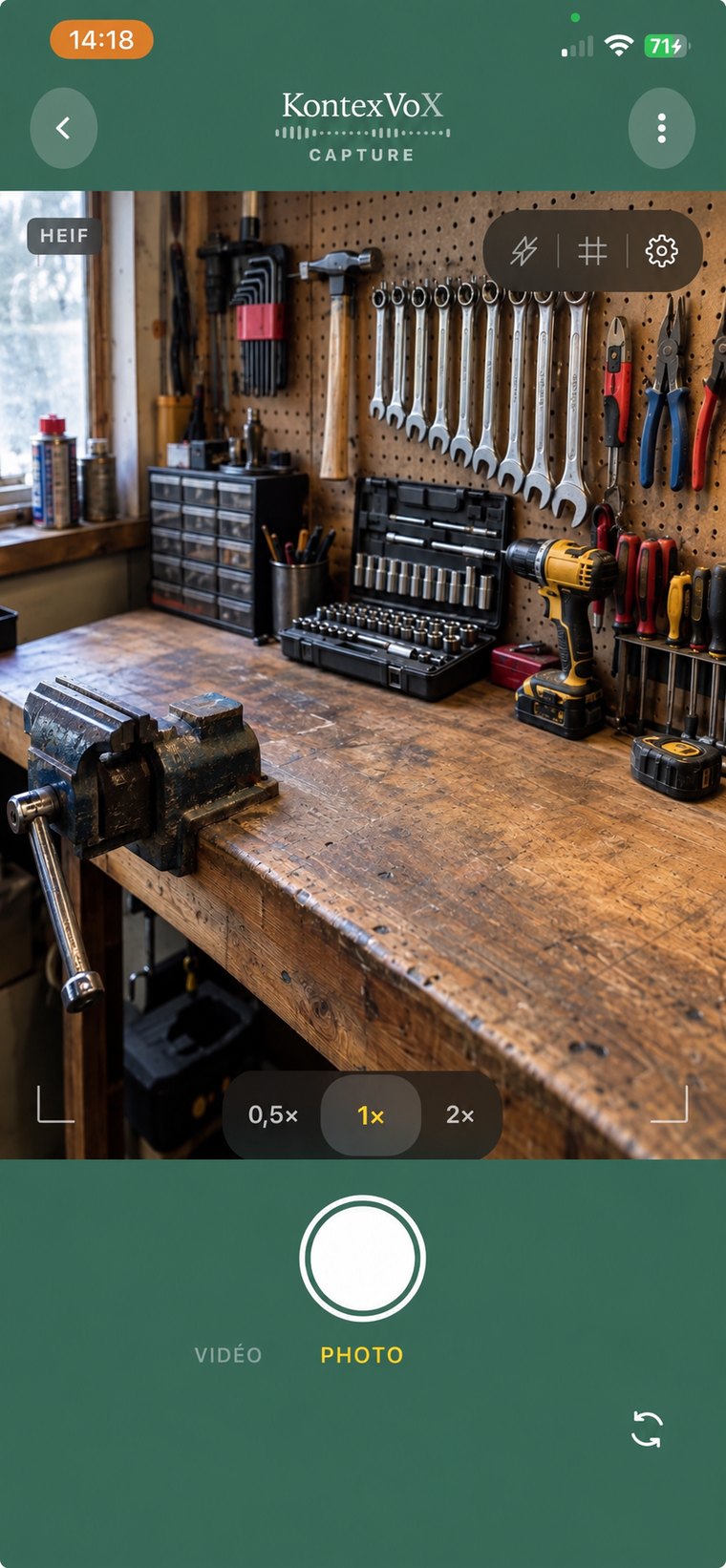
The take, in three steps
A photo that knows what it contains.
-
1
Photograph
Frame, shoot. The photo is time-stamped by the iPhone. Its native GPS position is kept if it exists — the app never adds one.
-
2
Describe out loud
What you see, in your words. Transcription runs on the phone, no network needed. A wrong word? You fix it on the spot.
-
3
It's engraved
The description goes behind the image, into its EXIF metadata. It follows the file and is searchable in Photos. Nothing in the cloud.
In the field
A series, not a photo.
You don't take one photo, you take forty. Each one knows what it contains, and the next one is already framed.
12 photos · 11 min on site
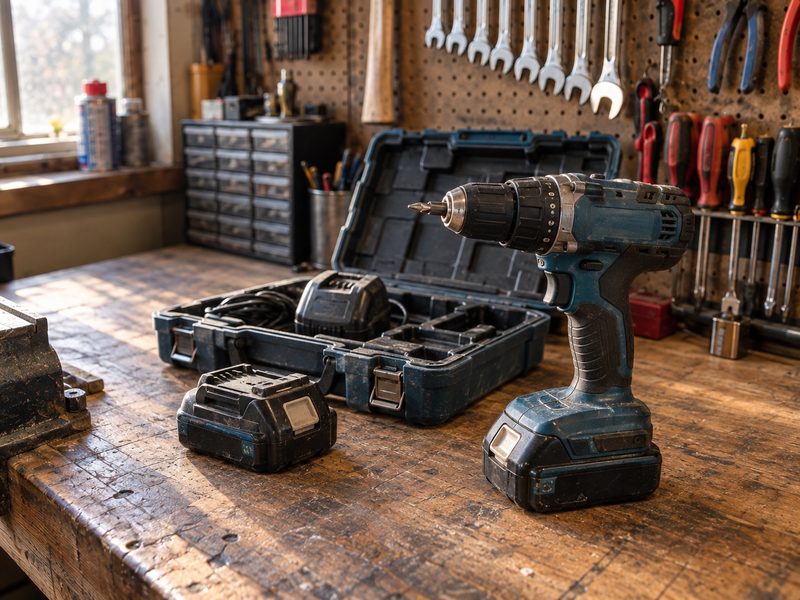 IMG_0201
Bosch 18 V drill, two batteries, case — workbench, drawer 1.
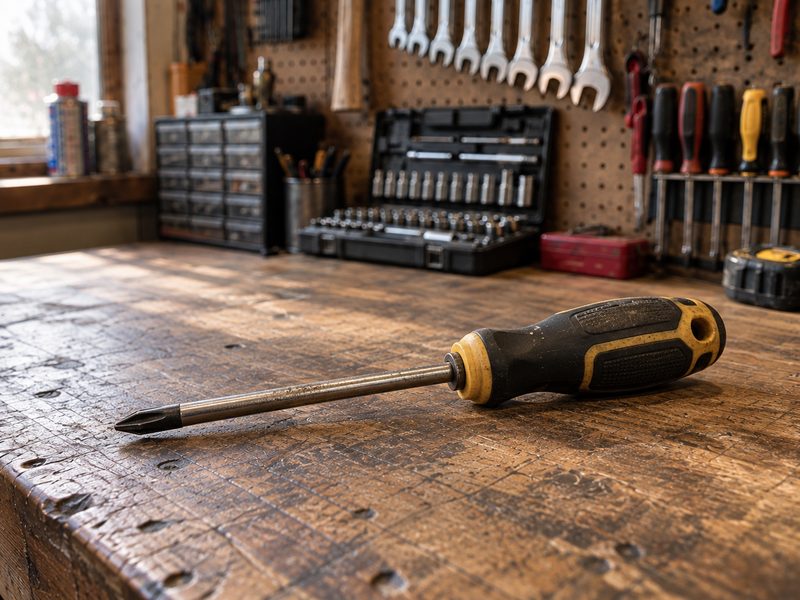 IMG_0202
PH2 Phillips screwdriver, ergonomic handle — workbench, drawer 2.
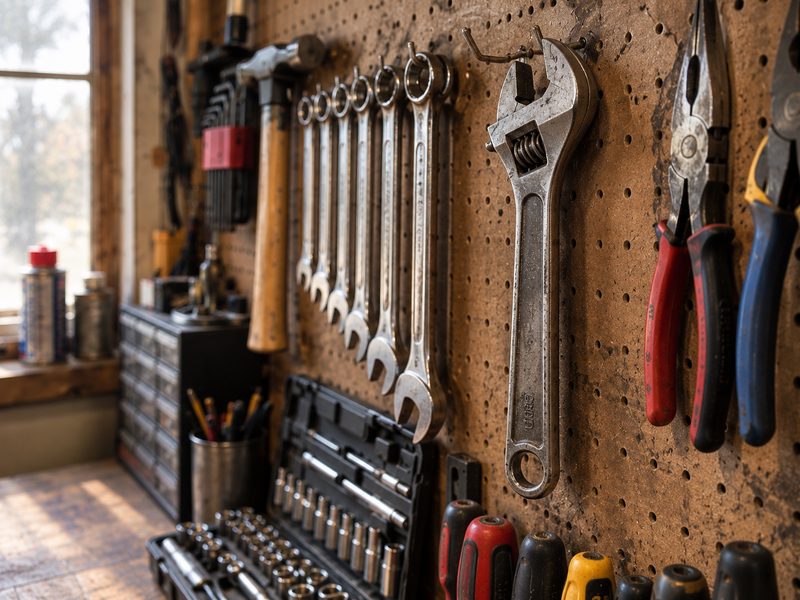 IMG_0203
Adjustable wrench 24 mm, Facom — wall panel, row 3.
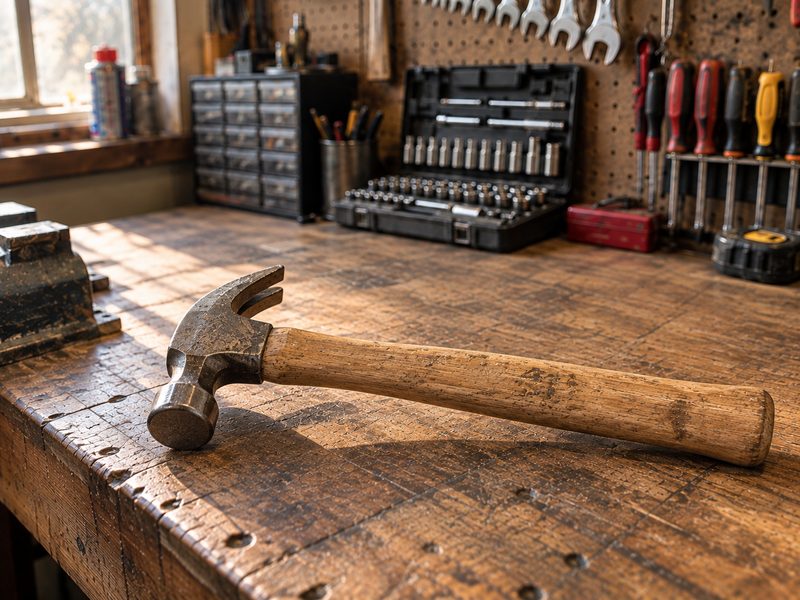 IMG_0204
Carpenter's hammer 500 g, wooden handle — workbench, drawer 3.
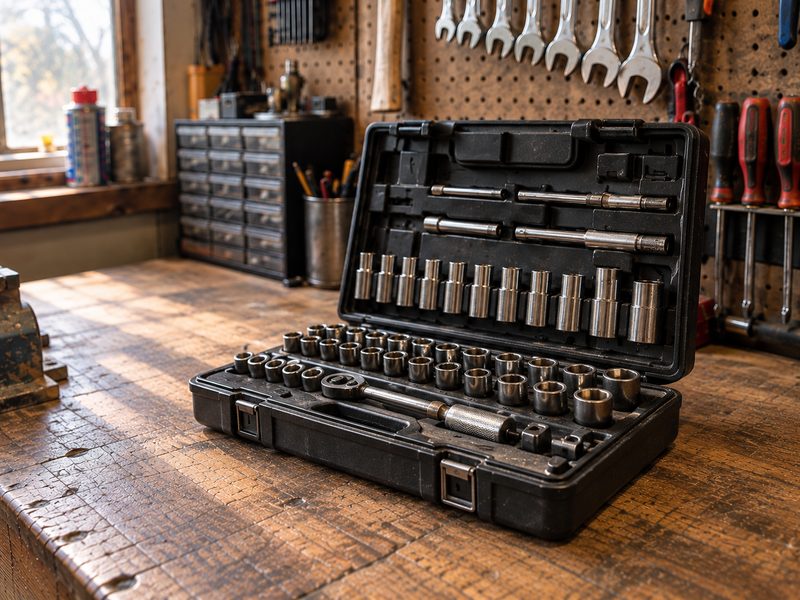 IMG_0205
1/4" socket set — shelf, bin B2.
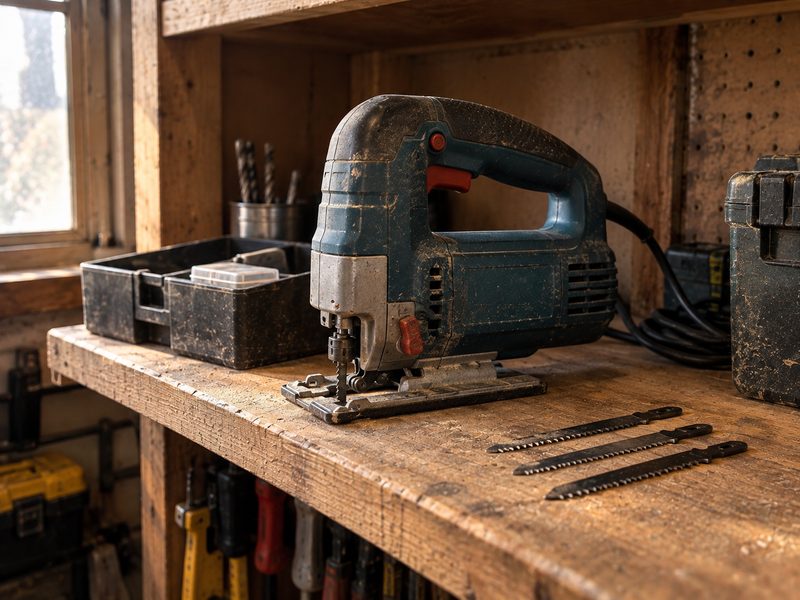 IMG_0206
SKIL jigsaw 720 W, three spare blades — shelf, bin A1.
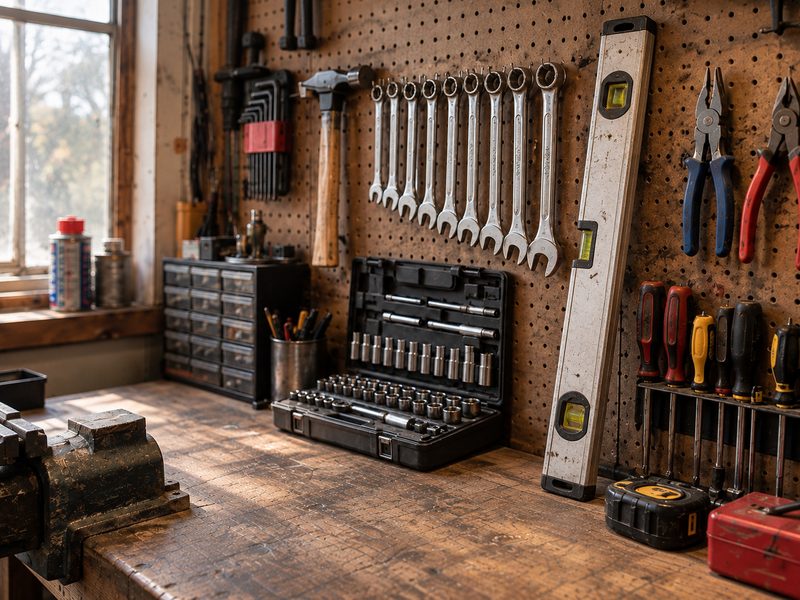 IMG_0207
Spirit level 60 cm, aluminium — wall panel, row 1.
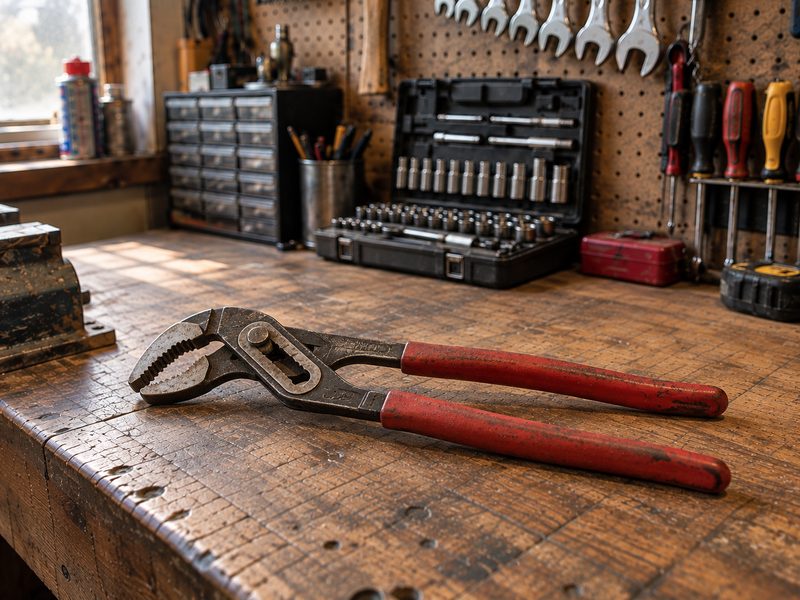 IMG_0208
Knipex water pump pliers 250 mm — workbench, drawer 2.
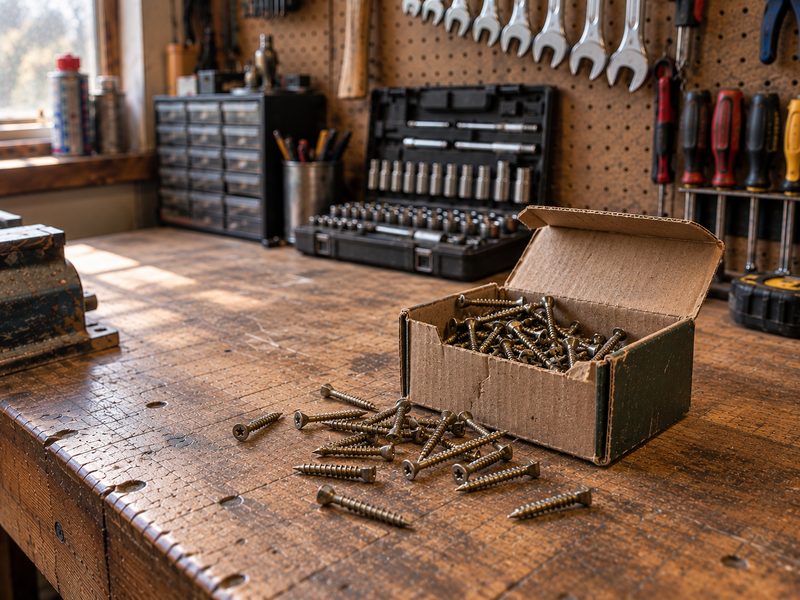 IMG_0209
Box of 4 × 40 wood screws, opened — shelf, bin C3.
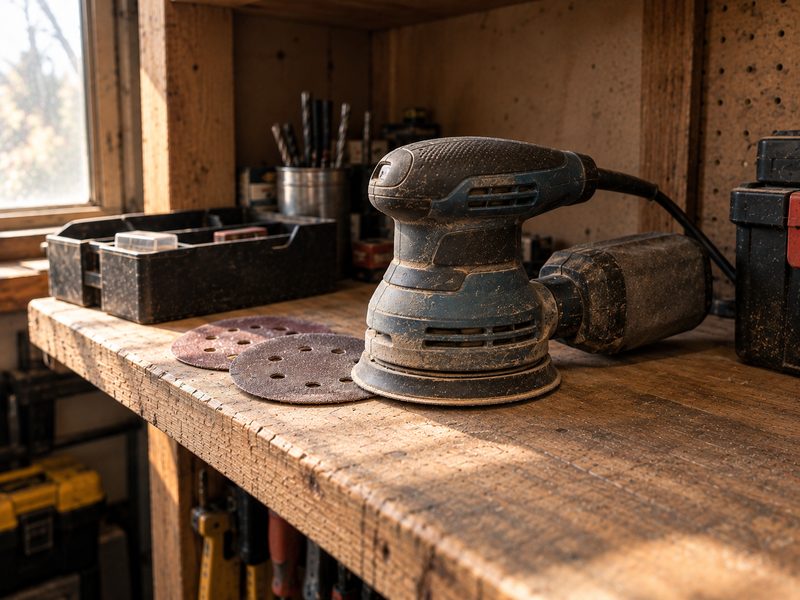 IMG_0210
Orbital sander, two discs left — shelf, bin A2.
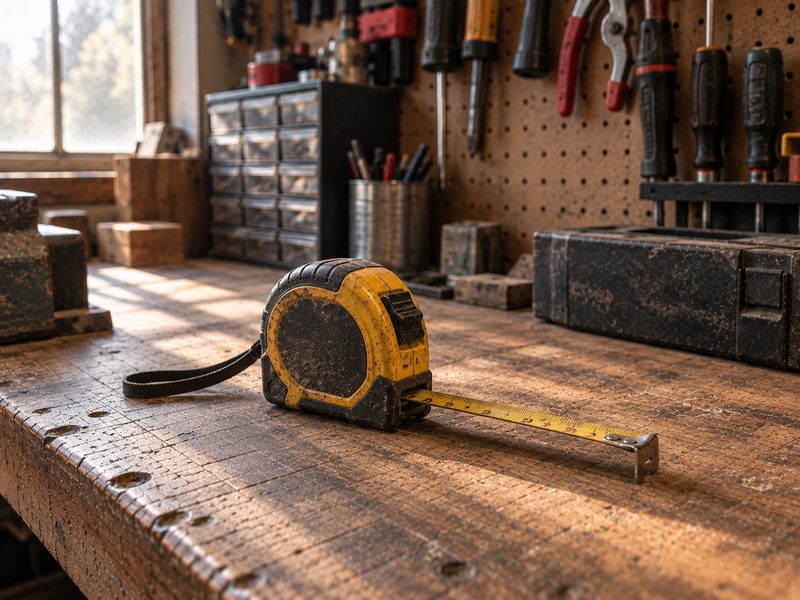 IMG_0211
Tape measure 5 m, yellow case — workbench, drawer 1.
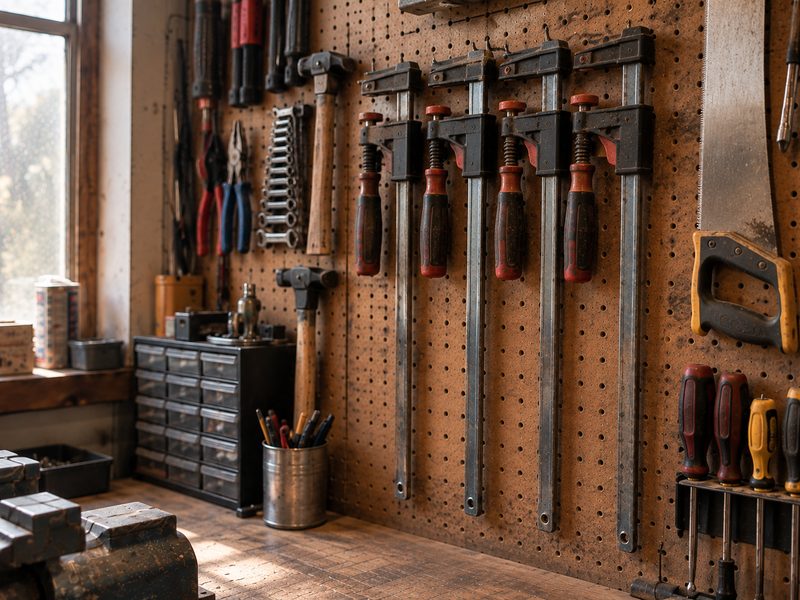 IMG_0212
Four 300 mm clamps — wall panel, row 2.
Example of a workshop inventory session: one spoken line per photo.
The app stops here: photos that know what they contain.
Next, you + our free prompts + your AI agent → the spreadsheet, the report.
For your trade
Built for your field.

Inspection report
Photograph, describe out loud. You generate the report afterwards with our prompts.
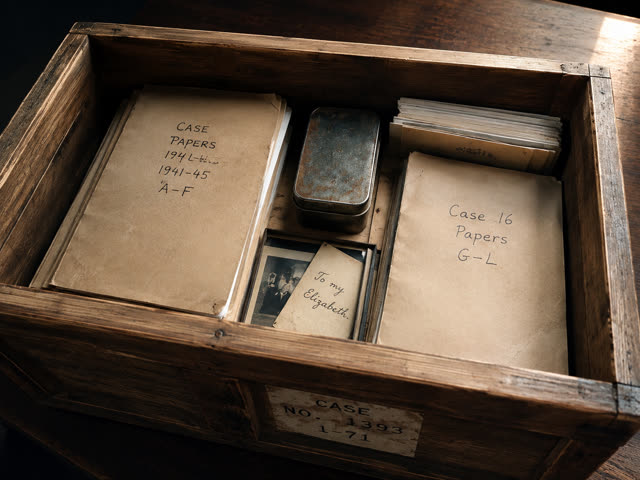
Estate inventory
Every item documented, time-stamped, described by voice.

Punch-list follow-up
Every defect documented on site, ready to be compiled.

Appraisal report
Time-stamped photos, voice on site. The raw material of the file, ready for your AI agent.
The workflow
Photo, voice, share.
Photo
Frame the item. iPhone time stamp; native GPS position kept if present.
Voice
Describe what you see. The transcription anchors to the image, editable on the spot.
Share
AirDrop or Files: your enriched photos, ready for your AI agent and our prompts.
What not noting costs
The film, in seven lines.
- Forty crates to catalogue.
- You photograph them, one by one. Then you close the lid.
- A written description under each? Nobody does that.
- Three months later: forty photos, zero answers.
- Everything you knew that day — gone.
- Unless your voice was in the photo.
- KontexVoX captures the context.
Capture Mode · available now
Engrave context as you shoot.
Capture Mode is included in KontexVoX for iPhone.

Free to start.
Does it work offline?
Yes. Transcription runs on the iPhone, with no network. In a basement, a cellar, on a site with no coverage: it works the same.
What if the transcription is wrong?
You fix it on the spot, before moving to the next photo. A word, a number: it's the moment you still have it in mind.
Where does the text go?
Into the EXIF metadata of the photo itself, as text. No audio file, nothing on our servers. The enriched photo is a copy: your originals are never modified.